
🔥 Introduction
Mobile Forex Trading Apps put a pro-grade terminal in a pocket, combining advanced charts, push alerts, and one-tap execution for on-the-go decisions.
Mobile Forex Trading Apps succeed when the app delivers stable performance, rich indicators, and intuitive trade tickets backed by a regulated broker’s infrastructure.
📱 Why mobile matters
Modern broker apps now rival desktops with deep charting, multiple order types, and synchronized watchlists that keep positions and analytics aligned across devices.
A strong app reduces friction at critical moments, letting traders place, modify, and manage orders rapidly without sacrificing analytical depth.
This is exactly why many traders prioritize Mobile Forex Trading Apps when choosing a broker stack for everyday execution.
🧭 What to look for
The essentials include fast, reliable execution, advanced charting (multiple timeframes and indicators), and clear order management for stops, limits, and pending orders.
Quality apps add economic calendars, real-time news, and configurable price alerts to surface opportunities without constant screen time.
If the goal is consistency, align Mobile Forex Trading Apps with a rules-based plan that exploits alerts and templated orders for speed and control.
Also read : Best Forex Brokers 2025: Data-Driven Picks, Low Costs, and Safer Trading
🍏 iOS and 🤖 Android
Top platforms support both iOS and Android, mirroring core functionality across systems while preserving platform-specific performance optimizations.
MT4’s official apps, for example, provide interactive quote charts, push notifications, and a full set of trade orders on both mobile operating systems.
This cross-platform parity helps Mobile Forex Trading Apps deliver comparable execution and analysis regardless of a device preference.
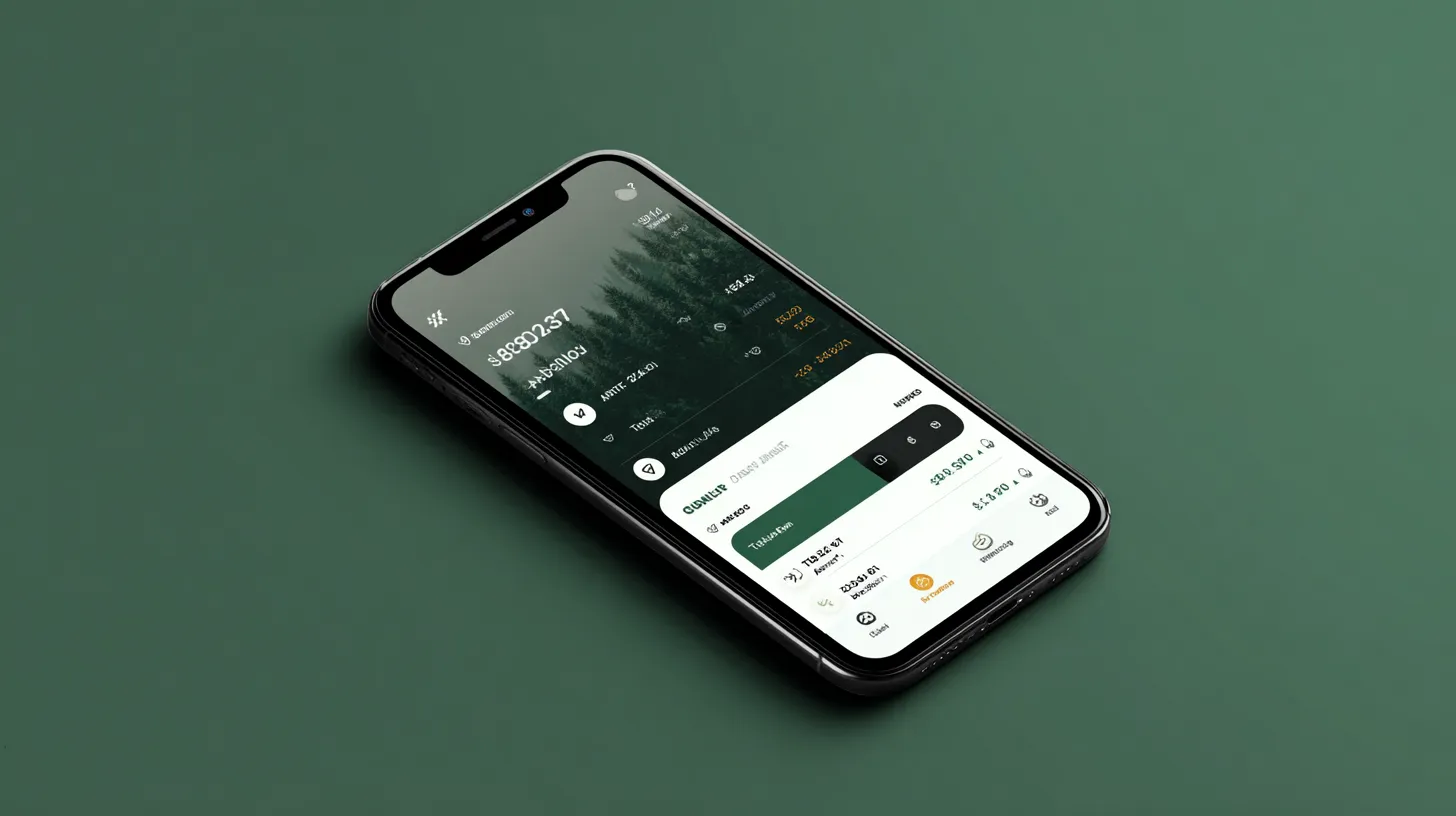
📈 MT4 on mobile
MetaTrader 4 mobile offers full account control, one-click trading, history, 30+ technical indicators, 9 timeframes, and direct-on-chart trading.
It supports all order types and execution modes, enabling the same strategy playbook used on desktop to be deployed from a phone.
For many traders, MT4 remains a benchmark for Mobile Forex Trading Apps because of its familiar interface and robust charting toolkit.
🧩 Broker-native vs third-party
Broker-native apps can integrate funding, support, news, signals, and proprietary risk tools in one place, streamlining the mobile workflow.
Third-party platforms like MT4 shine in broad broker compatibility and a consistent UI across providers, preserving muscle memory when switching accounts.
A hybrid approach—using a broker’s app for funding and account tasks plus MT4 for execution—can maximize Mobile Forex Trading Apps flexibility.
🔐 Security and control
Expect biometric login, two-factor authentication, and secure session handling, with broker policies that emphasize fund safety and transparent processes.
Account dashboards should expose balances, margin, and order history clearly so risk is visible at a glance on small screens.
Tight security plus clarity in account views keeps Mobile Forex Trading Apps both safe and operationally efficient.
🛠 Research, alerts, and news
Best-in-class apps embed economic calendars, market headlines, and signal integrations to reduce tool-hopping and information lag.
Configured push alerts for price levels, order fills, and margin status help capture or protect trades without constant monitoring.
These layers transform Mobile Forex Trading Apps into a full situational-awareness cockpit for the trading day.
Also read : Best Regulated Trading Brokers for Forex and Crypto in 2025: Trade Smart, Trade Safe
🧪 Execution and order types
Reliable market and pending orders, plus fast modifications to stop loss and take profit, are non-negotiable in a high-quality mobile terminal.
Fill speed and consistency matter: when a platform supports one-tap actions and responsive charts, traders can execute with fewer errors.
The tighter the event window, the more Mobile Forex Trading Apps benefit from quick access to order edits directly on the chart.
💸 Costs and pricing transparency
A strong app exposes spreads, swaps, and order details clearly so costs are understood before and after execution.
Exposure to variable spreads during news is normal; apps should surface instrument-specific notes to set expectations.
Transparent costs inside Mobile Forex Trading Apps help traders evaluate net edge, not just gross signals.
🧠 Usability under pressure
When volatility hits, stability, clean UI, and predictable taps reduce misclicks that can ruin a good setup.
Look for customizable layouts, saved templates, and gestures that accelerate analysis without buried menus.
These small details compound to make Mobile Forex Trading Apps feel like an extension of a trading playbook rather than a bottleneck.
🔍 App shortlist insights
Independent testing across dozens of brokers highlights leaders with outstanding mobile UX, deep charting, and reliable execution.
Shortlists often feature specialized research, top-tier chart libraries, and smooth performance on recent iOS and Android devices.
Use these comparisons as a filter to identify Mobile Forex Trading Apps worth trialing via demo before funding live.
🧭 Setup checklist
Choose a broker with a top-tier app and a separate demo to stress-test execution and alerts.
Verify cross-device sync for watchlists, templates, and recent instruments.
Map out funding flows in the app, noting processing times and fees.
🧨 Common pitfalls
Over-reliance on notifications without confirming structure on a chart can lead to chasing instead of planned trades.
Under-testing order tickets and default sizes risks errors under stress, especially when timeframes and indicators change.
Mitigate by rehearsing flows in demo until Mobile Forex Trading Apps actions feel automatic.
🧠 Workflow tips
Pin a small set of timeframes and indicator templates to avoid cognitive overload on smaller screens.
Use price alerts at structure edges to prompt reviews rather than blind entries.
Keep Mobile Forex Trading Apps streamlined—fewer screens, faster actions, more consistent results.
🧪 Mid-article deep dive: how to evaluate broker apps
Start with the testing pedigree: independent reviewers assess usability, charting depth, and execution across dozens of apps to separate leaders from laggards.
Then verify broker-native features: price alerts, Trading Central signals, economic calendars, FXStreet news, funding, and in-app support consolidate the workflow.
Finally, confirm mobile order power: full order sets, on-chart edits, and fast modifications are critical for Mobile Forex Trading Apps to handle real market tempo.
🧰 MT4 specifics that matter
MT4 mobile’s 30 technical indicators, 9 timeframes, and 24 analytical objects bring desktop-grade analysis to phones.
It also supports full order control, history review, and push notifications, aligning entries and trade management on the go.
These capabilities explain why MT4 often anchors Mobile Forex Trading Apps stacks even when a broker’s native app is installed.

🧩 When to use broker-native apps
Use a broker’s app for funding, support chat, account creation, and integrated research so critical services live in one place.
Feature sets like favorites, top movers, and detailed order overviews reduce context switching and maintain focus.
For many, pairing a broker app with MT4 yields Mobile Forex Trading Apps coverage that balances convenience with power.
🚀 CTA: from testing to action
Define one repeatable approach—news alerts into chart confirmation—and rehearse it on demo across several market conditions.
Pick two finalists and run a week of parallel demos to judge execution, alerts reliability, and stability under load.
Once satisfied, let Mobile Forex Trading Apps carry the daily routine while desktop handles deeper strategy work.
Also read : Which is Best Forex Broker? Your Ultimate 2025 Guide to Smarter Trading
🔑 Integration
Mobile Forex Trading Apps deserve a dedicated checklist for execution speed, stability, chart depth, and order precision.
Treat Mobile Forex Trading Apps as the primary terminal only after rehearsing risk workflows and edge cases in demo.
Use alerts inside Mobile Forex Trading Apps to cue analysis, not to shortcut confirmation signals on the chart.
Fund and withdraw within Mobile Forex Trading Apps to validate processing times and method availability ahead of live risk.
Align strategy templates with Mobile Forex Trading Apps so entries and management feel identical across devices.
Pair MT4’s strength with Mobile Forex Trading Apps for familiar order tickets and robust indicator coverage.
Leverage economic calendars in Mobile Forex Trading Apps to pre-position alerts at high-impact times.
Consolidate news feeds and signals in Mobile Forex Trading Apps to reduce tool-hopping and missed opportunities.
Keep permissions tight and authentication strong inside Mobile Forex Trading Apps to protect capital and data.
Evaluate funding workflows, support access, and research depth as core pillars of Mobile Forex Trading Apps selection.
🏁 Broker recommendation: EXNESS
EXNESS’s proprietary Exness Trade app consolidates advanced charting, configurable price alerts, Trading Central signals, an economic calendar, and FXStreet news, alongside in-app deposits, withdrawals, and 24/7 live chat support for streamlined mobile operations.
The app emphasizes ultra-fast execution measured in milliseconds and public claims of high automatic withdrawal processing, plus features like Stop Out Protection that can delay or prevent stop-outs during volatile sessions.
For traders seeking an all-in-one mobile workflow with robust research, funding, and responsive order handling, EXNESS presents a compelling alternative—try trading on Exness? click here.